How to Turn On Mad Labs Disposable

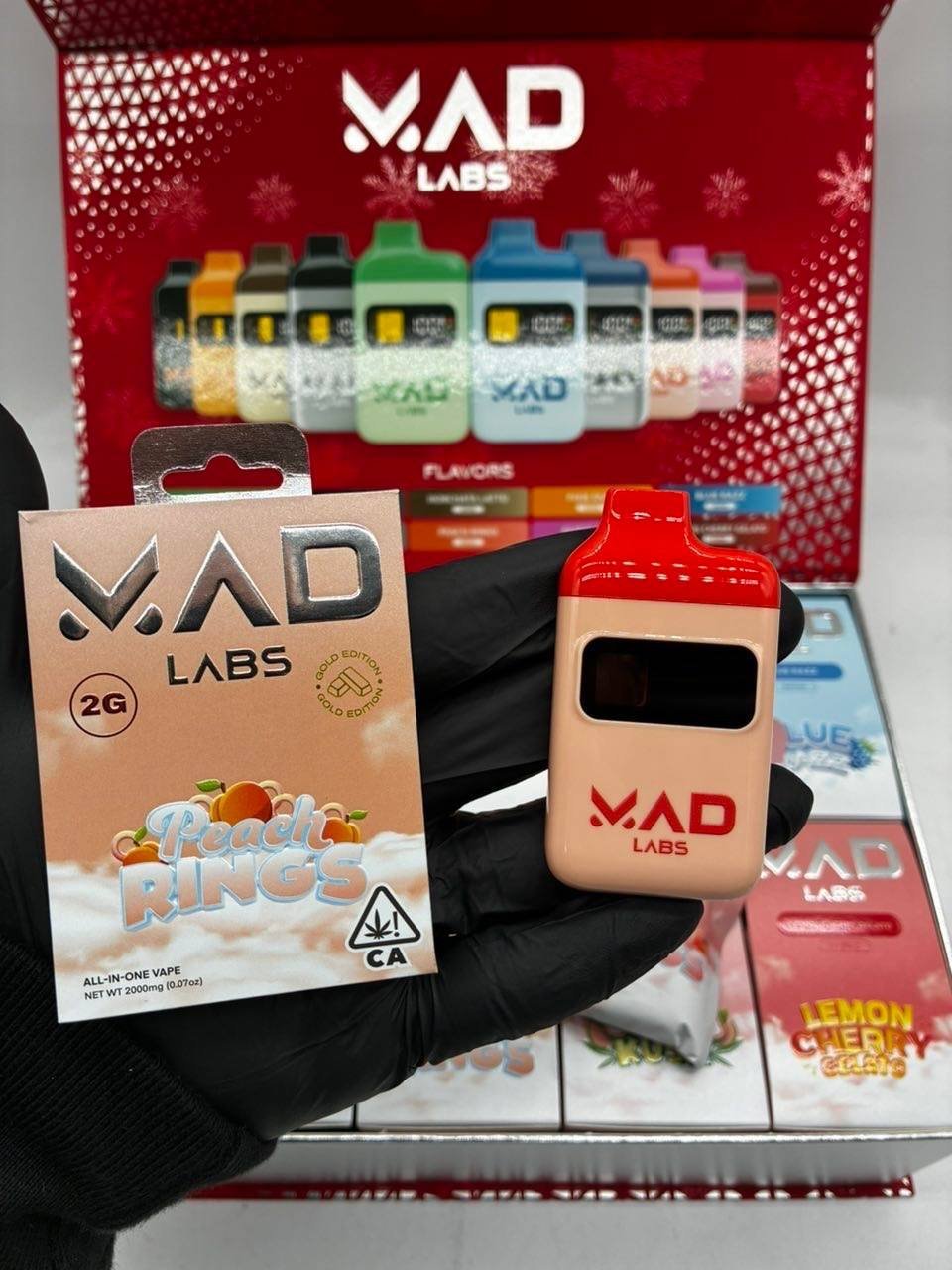
How to Turn On Mad Labs Disposable: A Complete Beginner’s Guide
If you’ve recently purchased a Mad Labs disposable vape and you’re wondering how to turn on Mad Labs disposable, you’re not alone. Many first-time users are unsure whether these devices require a power button or any setup before use.
The good news is that most Mad Labs disposable vapes are designed to be simple and convenient. In this guide, we’ll explain how to turn on your device, troubleshoot common issues, and answer frequently asked questions.
What Is a Mad Labs Disposable Vape?
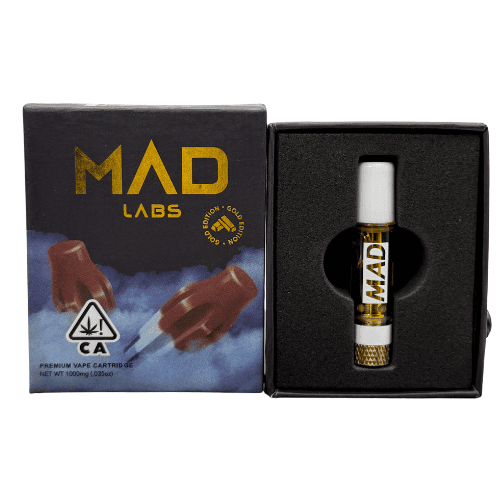
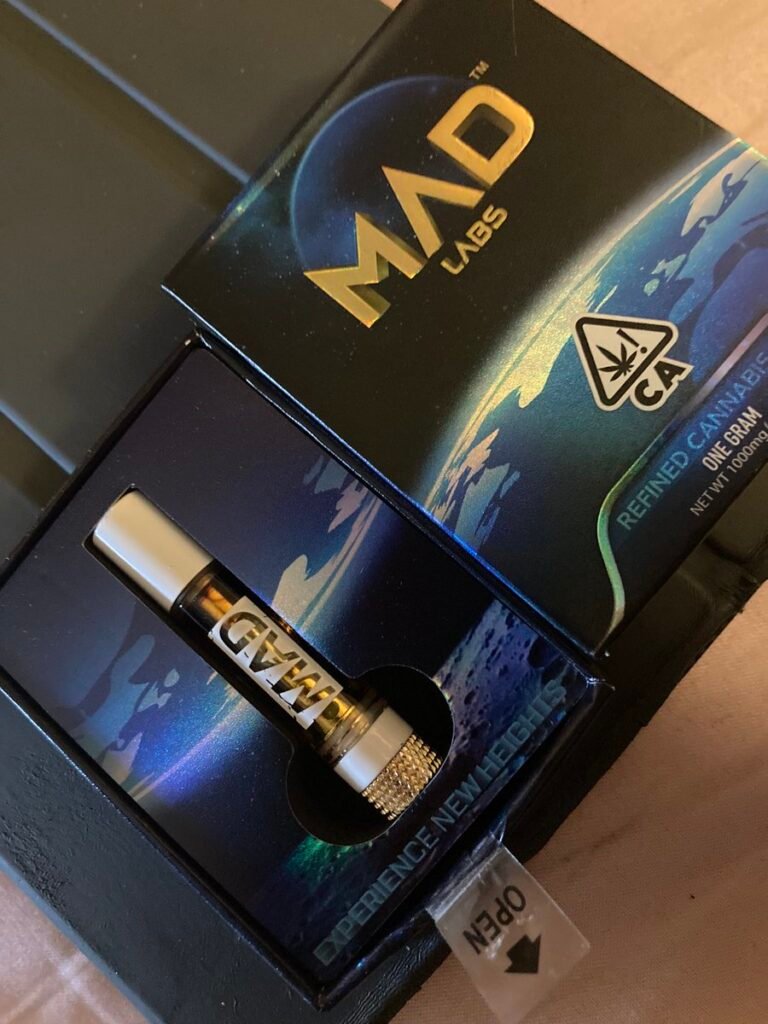
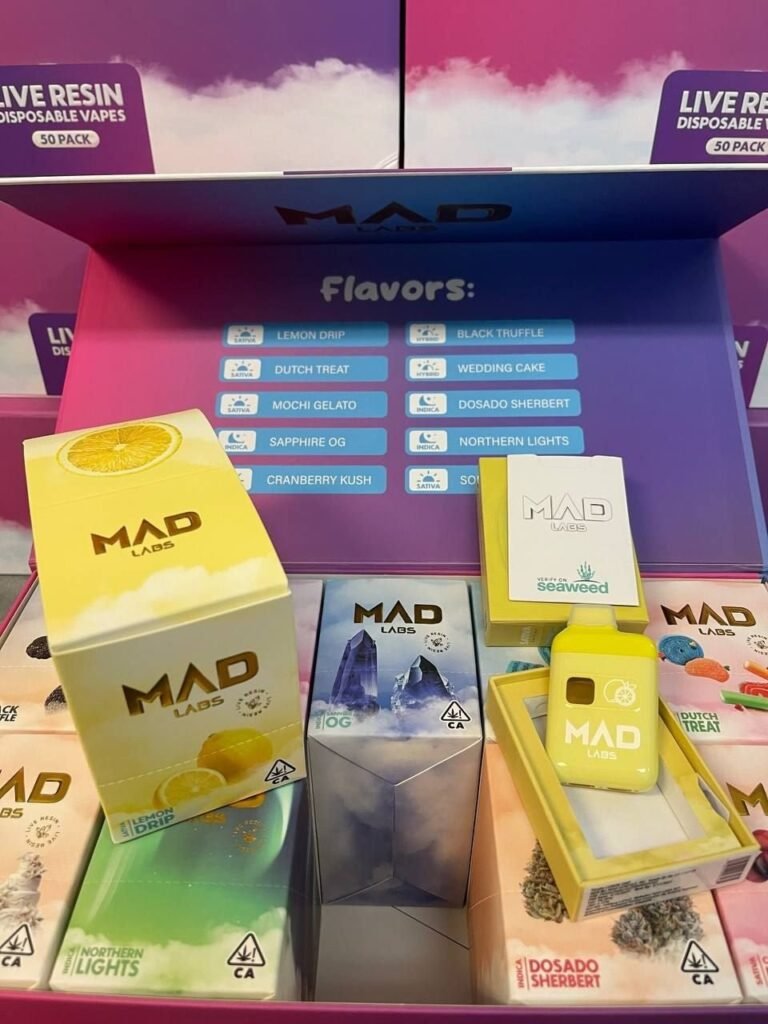
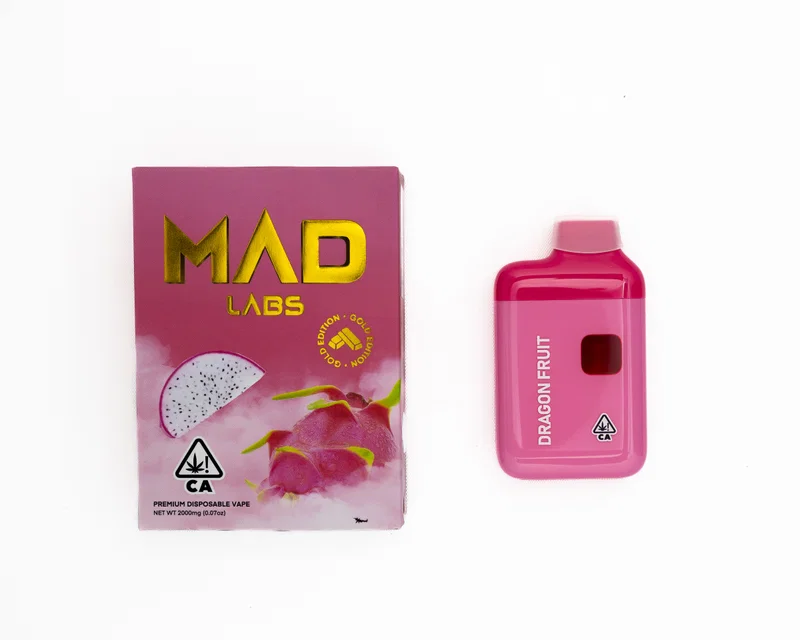
Mad Labs disposable vapes are pre-filled, ready-to-use vaping devices that come with e-liquid and a built-in battery. Unlike traditional vape kits, they don’t require refilling, charging (in some models), or complicated setup procedures.
Their user-friendly design makes them popular among both beginners and experienced vapers.
How to Turn On Mad Labs Disposable
Step 1: Remove the Packaging
Before using your Mad Labs disposable vape, remove all packaging materials, including:
- Plastic wrapping
- Silicone mouthpiece plugs
- Protective stickers on airflow holes or charging ports
These protective components are added to keep the device fresh and secure during shipping.
Step 2: Check for a Power Button
Most Mad Labs disposable vapes are draw-activated, meaning they do not have a power button.
To use the device:
- Place the mouthpiece between your lips.
- Take a gentle inhale.
- The device should automatically activate and produce vapor.
If your specific model includes a power button, consult the packaging or user manual for instructions.
Step 3: Take Your First Puff
Once the protective seals are removed:
- Inhale gently through the mouthpiece.
- Avoid taking extremely hard puffs.
- Wait a few seconds between puffs for the best experience.
If vapor is produced, your Mad Labs disposable is working correctly.
Why Is My Mad Labs Disposable Not Turning On?
If your device isn’t working, try these troubleshooting steps:
Check for Protective Stickers
Many users accidentally leave a sticker covering the airflow hole. Remove any stickers before use.
Inspect the Battery
If your Mad Labs disposable has a rechargeable battery:
- Connect it to a compatible charger.
- Allow it to charge for 15–30 minutes.
- Try using it again.
Ensure Proper Airflow
Blocked airflow can prevent activation. Check the mouthpiece and airflow vents for debris or obstructions.
Device May Be Defective
In rare cases, a disposable vape may arrive with a manufacturing defect. Contact the retailer or manufacturer if the device still doesn’t work after troubleshooting.
How Do I Know If My Mad Labs Disposable Is Working?
Signs that your Mad Labs disposable is functioning properly include:
- Vapor production when inhaling
- LED light activation (if equipped)
- Smooth airflow through the mouthpiece
- Flavorful vapor output
If none of these occur, the device may require charging or replacement.
Common Mistakes to Avoid
When learning how to turn on Mad Labs disposable devices, avoid these common mistakes:
- Leaving protective plugs in place
- Covering airflow holes with your fingers
- Taking excessively hard puffs
- Using incompatible charging cables
- Attempting to refill the disposable device
Following the manufacturer’s instructions can help ensure the best vaping experience.
Frequently Asked Questions
Do Mad Labs Disposable Vapes Have a Button?
Most Mad Labs disposable vapes are draw-activated and do not require a button to turn on.
Can I Recharge My Mad Labs Disposable?
Some models feature a rechargeable battery, while others are intended for single-use only. Check your device specifications.
Why Is My Mad Labs Disposable Blinking?
A blinking light may indicate:
- Low battery
- Device malfunction
- Puff duration limit reached
Charging the device may solve the issue if it has a rechargeable battery.
Final Thoughts
Understanding how to turn on Mad Labs disposable vapes is simple once you know the basics. In most cases, all you need to do is remove the protective packaging and take a gentle puff. Since most Mad Labs disposables are draw-activated, there’s usually no power button or complicated setup process involved.
If your device doesn’t work immediately, check for airflow blockages, protective stickers, or battery-related issues. With proper handling, your Mad Labs disposable vape should provide a smooth and hassle-free experience.